See it in action
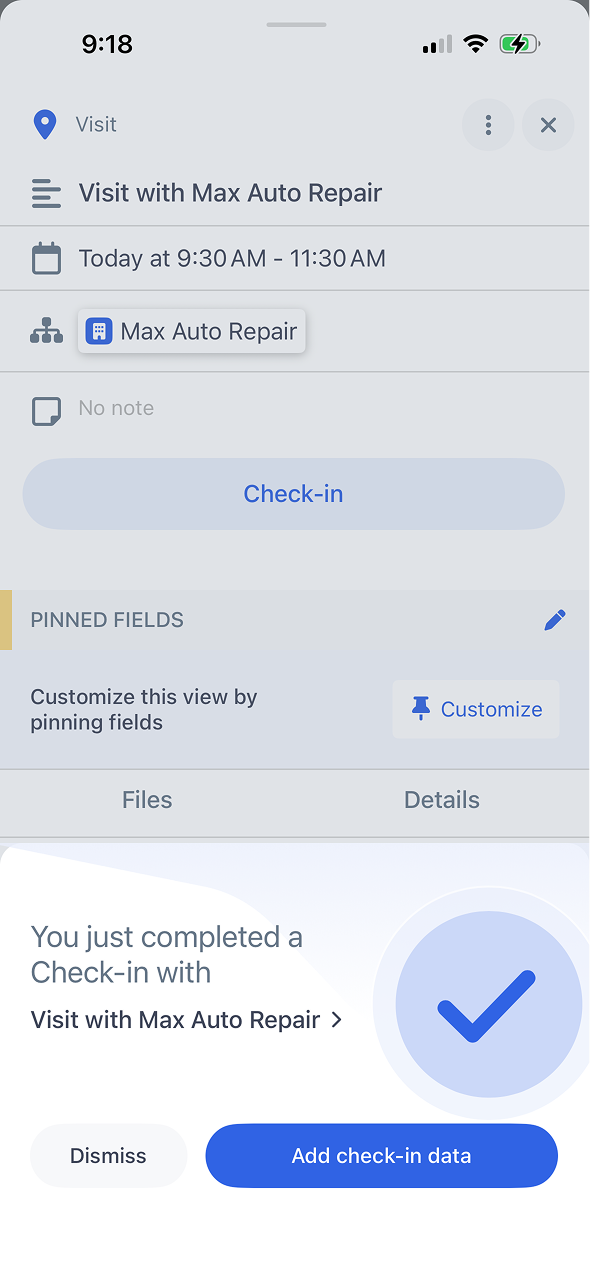
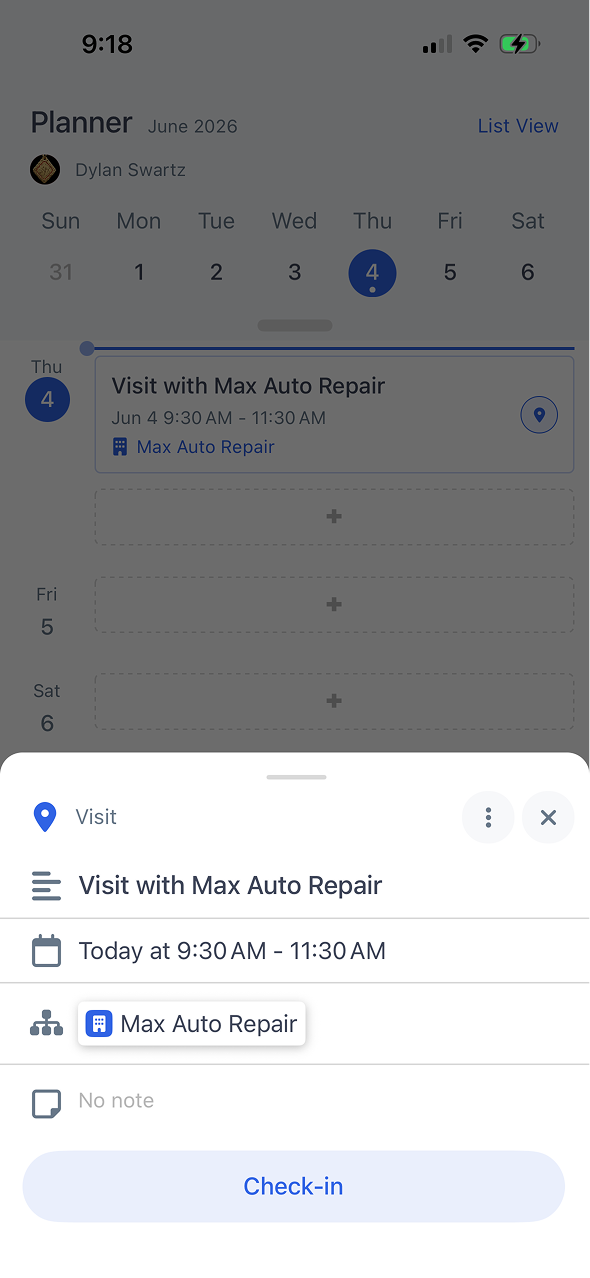
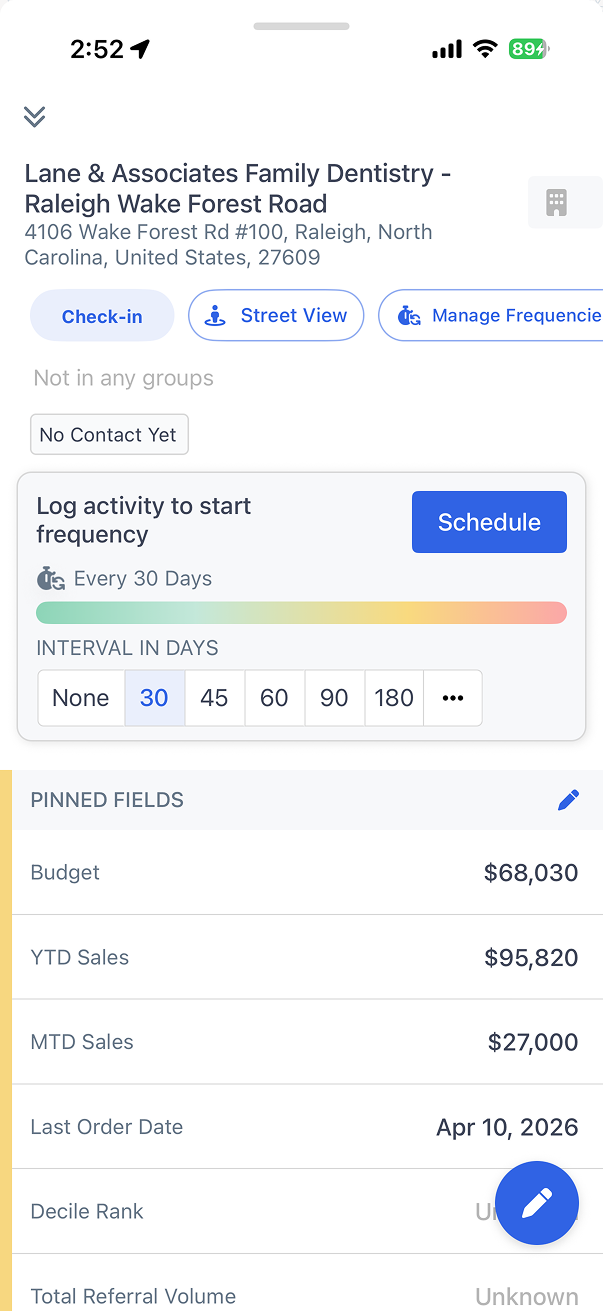
Calls, emails, and visits are captured effortlessly so reps stay focused on selling, not on filling out CRM fields at the end of the day.
Explore the Smart Planner in this interactive walkthrough. No login required.
One tap when you arrive at a customer site logs the visit with GPS coordinates, time stamp, and linked account. No forms to fill.
Record quick voice memos after a meeting and they attach to the account timeline automatically. Faster than typing on a phone.
Snap a photo of a business card and contact details are parsed and saved to the account instantly. No manual data entry.
Log activities in areas with no cell service. Everything queues locally and syncs the moment connectivity returns.
Open the app near a customer location and tap check-in. GPS verifies the visit and timestamps it on the account record.
Choose the activity type (call, email, visit, or custom), add a quick note or voice memo, and save in seconds.
All logged activities sync to your connected CRM automatically. Managers see updates on dashboards without waiting for reps to file reports.

Request a demo
Map My Customers helps field sales teams run the day-to-day work that drives revenue. Learn how teams reduce admin, improve coverage, and create stronger field performance.