You have multiple options for syncing your current systems with Map My Customers. Whether you have an existing CRM, ERP, business intelligence tool, or other essential tech platform, you have options to end the dizzying array of data silos and create an internal technology ecosystem.

When we say native, we mean it. Integrations with the CRMs below live inside Map My Customers and act as a two-way information sharing highway. Any data from the CRM gets mapped to Map My Customers and vice versa.
Accounts, contacts, and other core NetSuite objects sync directly into Map My Customers so reps have the context they need in the field.
CRM
A two-way NetSuite connection brings account and contact data into the field app, so reps can have informed conversations and managers can see which accounts are quietly slipping. Custom field mapping, conflict rules, and scheduled syncs are all handled by your implementation team.
Talk to a specialistCalendar and email integrations keep activity data flowing without anyone typing twice. Activities created in Map My Customers land on rep calendars; meetings and threads in their inbox match back to accounts automatically.
Sync your Map My Customers activities (like emails, phone calls, and meetings) with Google Calendar, Office 365, and Microsoft Exchange. Each rep enables their own. Admins never see anyone else's calendar.
Keep it simple by importing your data via spreadsheet or SFTP, automate workflows with Zapier, or use our public API to stay synced automatically.
Public API
If other software you want to connect with Map My Customers (like a CRM, ERP, or billing system) offers an API, we can help you set up a sync that's custom for your business (subject to additional charge).
Get the developer documentationFile Transfer Protocol
If you or your IT team have experience with Secure File Transfer Protocol (SFTP), we can help you set up a sync flow custom for your business (subject to additional charge).
Talk to a specialistInstant Import
If it's just you or you're on a small team, simply upload your existing customer data via our in-app import (included on every plan). The wizard handles column mapping, address geocoding, owner assignment, and de-duplication.
Get step-by-step instructions from our Support CenterConnect with Zapier New
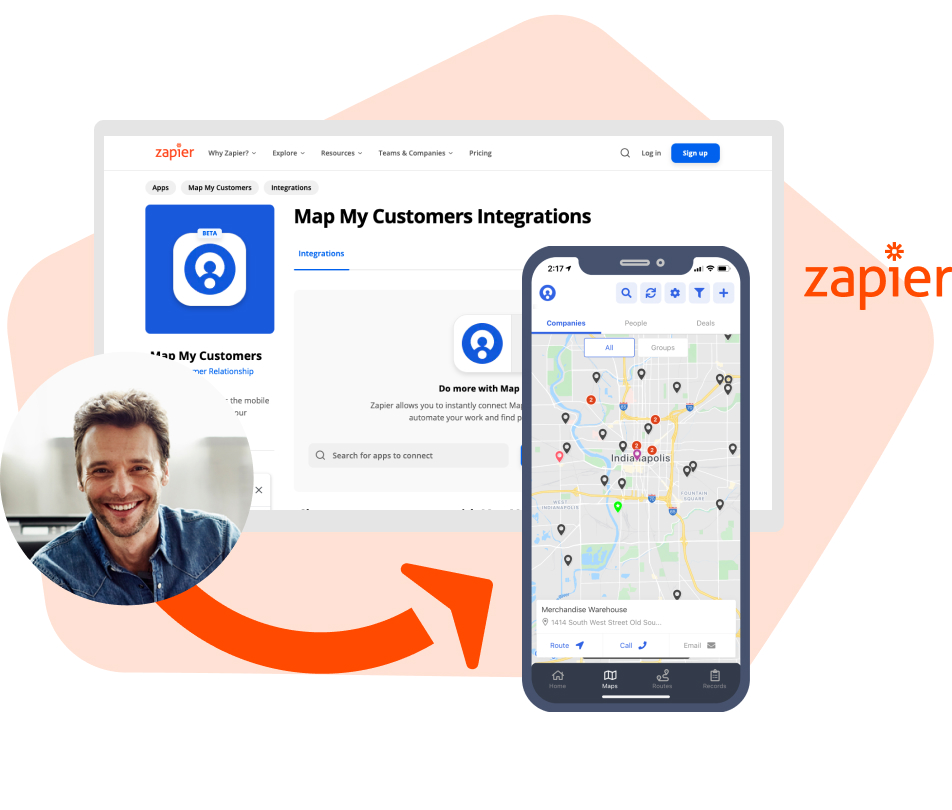
Easily automate workflows with Zapier by moving data and triggering actions across different softwares. Simply connect Map My Customers with the tools you use every day, like email, spreadsheets, billing systems, and more.
Check out popular automations on our Zapier page
Tell us which systems you need to connect (CRM, ERP, calendar, BI) and we'll show you exactly how Map My Customers fits into your team's workflow.