See it in action
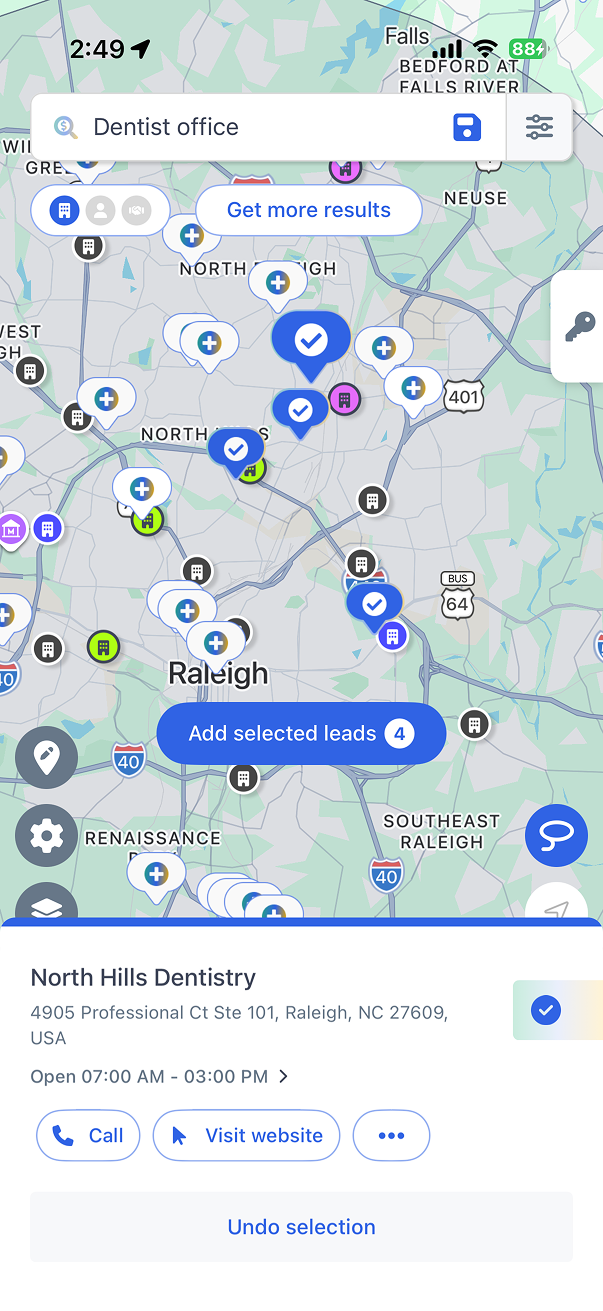
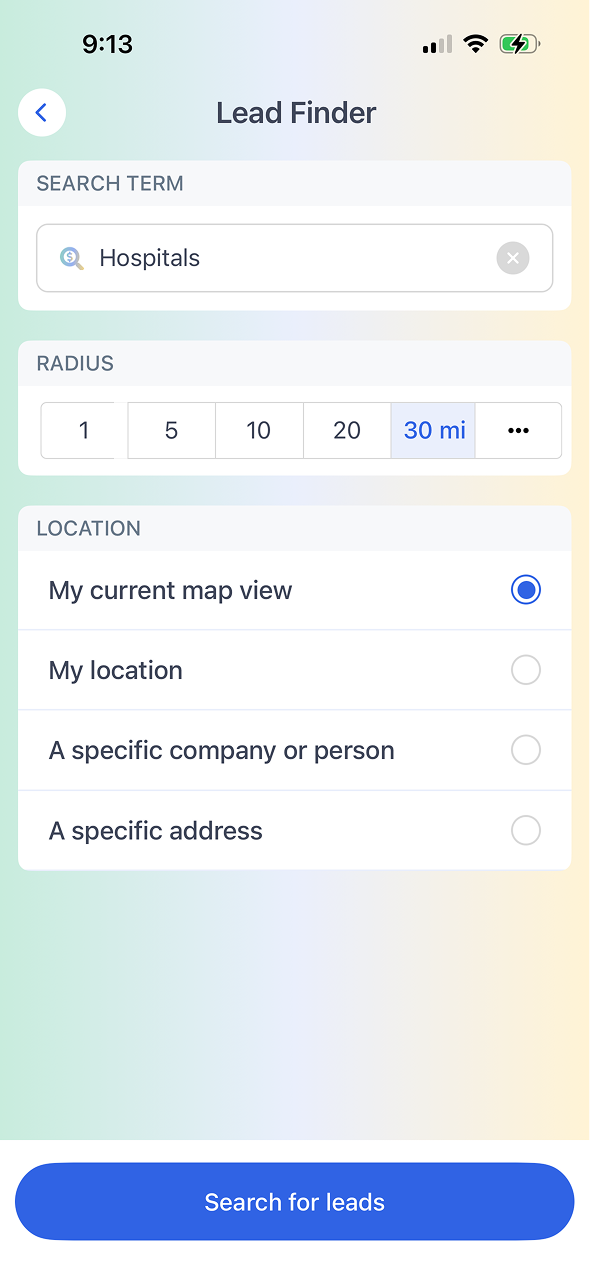
Discover net-new prospects in any territory without leaving the app. Filter by industry, company size, and proximity, then add and assign leads with one click.
Explore the Lead Finder in this interactive walkthrough. No login required.
Search for prospects by SIC/NAICS code, employee count, revenue range, and distance from a location. Find exactly the right fit for your territory.
Found a great prospect? Add them to your account list and assign them to a rep in a single click. No spreadsheets, no imports.
Draw a region on the map or select an existing territory to surface all available prospects in that area. Fill coverage gaps strategically.
See which prospects are currently served by competitors. Prioritize conquest accounts and plan targeted outreach to win new business.
Set filters for industry, company size, revenue, and location radius. The Lead Finder searches millions of business records instantly.
Prospects appear as pins on the map alongside your existing accounts. Spot whitespace and clustering patterns at a glance.
Select the best prospects, add them to your account list, assign to reps, and build a route to visit them. Pipeline starts growing immediately.

Request a demo
Map My Customers helps field sales teams run the day-to-day work that drives revenue. Learn how teams reduce admin, improve coverage, and create stronger field performance.